"Vibe coding" means building software by describing what you want to an AI, in plain language, and letting it write the code. Collins Dictionary made it its Word of the Year for 2025. For children, it changes what's possible: a 9-year-old with a good idea no longer has to spend months learning syntax before making something real.
The short answer: yes, a 9-year-old can build a real, playable browser game in an afternoon, as long as a parent uses the AI tool and the child is the designer. Most AI tools require users to be at least 13, so the parent holds the account and types. The child decides what the game is, who it's for, what the rules are, and whether it's fun, which is the part that teaches the most.
Who does what?
| The child (the designer) | The parent (the builder's assistant) |
|---|---|
| Picks who the game is for | Uses their own AI account and types the prompts |
| Decides the goal, the rules and how you win or lose | Reads the AI's answers aloud and keeps the session safe |
| Draws the screen on paper | Saves each working version |
| Plays it, finds what's wrong, decides what to change | Asks "what should happen instead?" rather than fixing it themselves |
This split matters. If the parent takes over, the child learns to watch. If the child designs and tests, they learn product thinking: the habit of starting from a person and a problem, building the smallest version, and improving it by testing.
Age rules (checked 30 October 2026):
- ChatGPT: users must be at least 13, with a parent's permission under 18.
- Gemini: the minimum is 13, but a parent can turn it on for a younger child through Google Family Link (not in the UK or EU).
- Claude: users must be 18.
Using the tool on a parent's account, with the parent at the keyboard, keeps you within these terms.
The one-afternoon plan
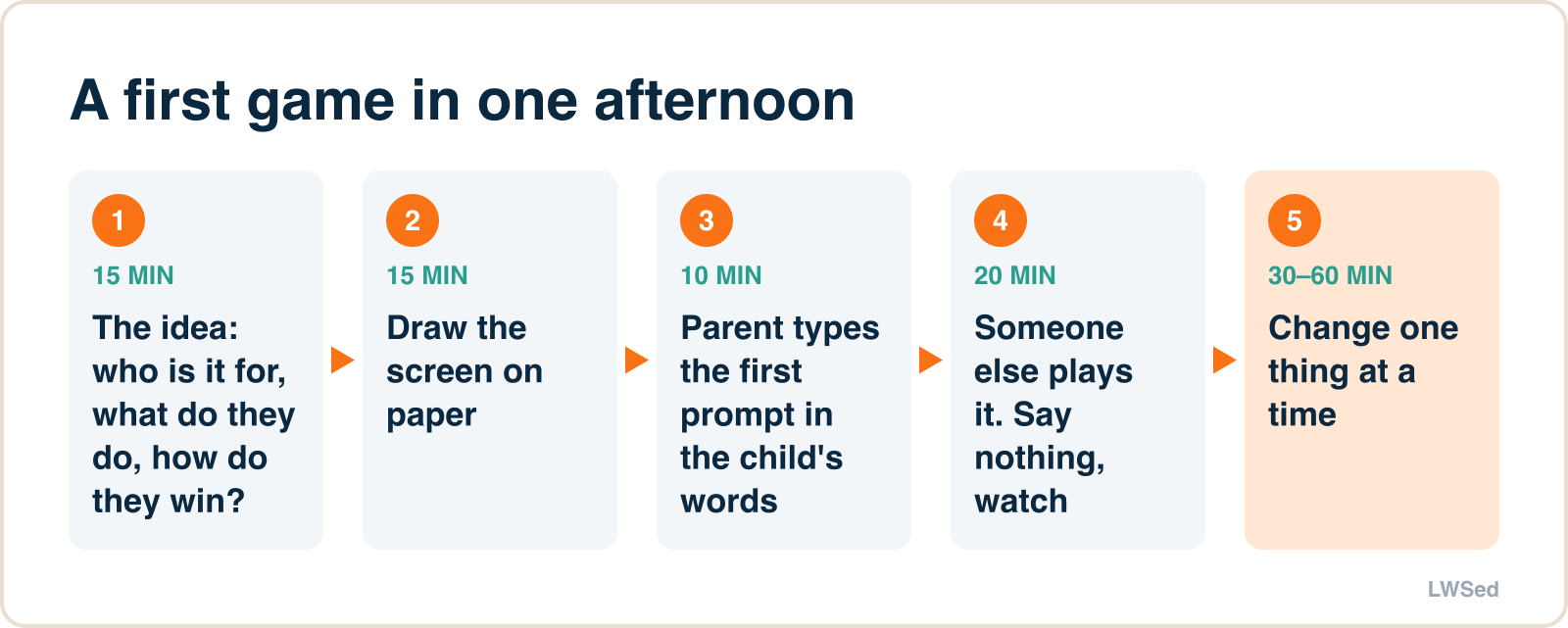
Step 1: The idea (15 minutes)
Ask your child three questions and write the answers down:
- Who is it for? (Me, my little sister, my class, my grandparents.)
- What do they have to do? (Catch, dodge, sort, answer, race.)
- How do they win or lose?
A good first answer sounds like: "A game for my sister where you catch falling fruit in a basket and lose if you miss three." Keep it to one screen and one action. Big ideas can come later.
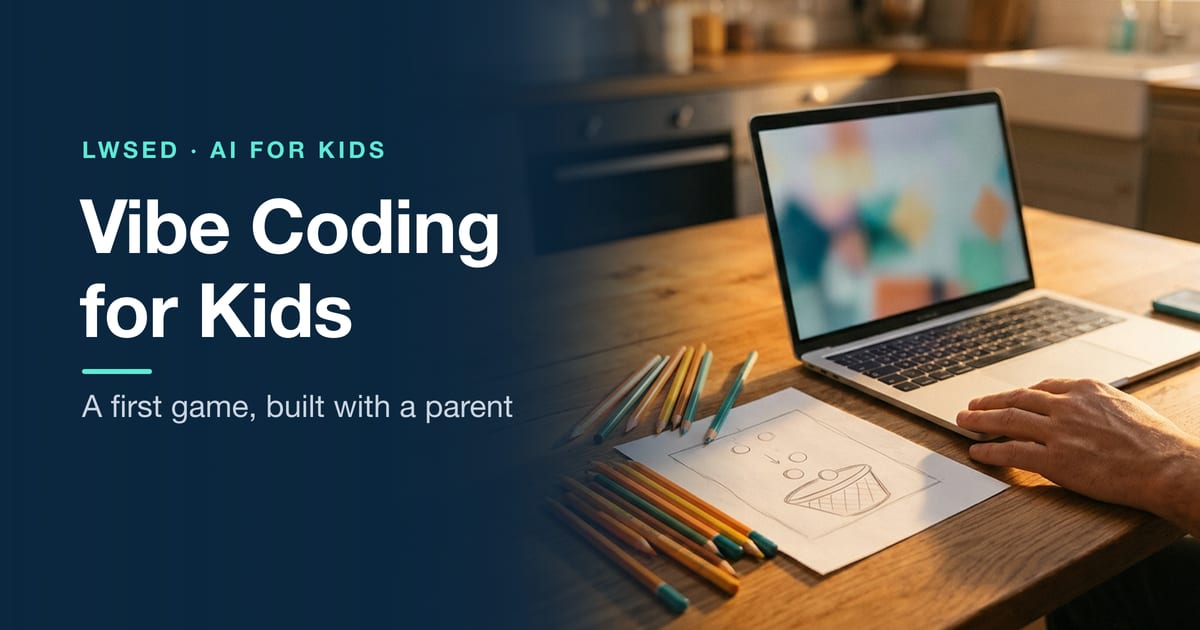
Step 2: Draw it on paper (15 minutes)
Have your child draw the screen: where the player is, what moves, where the score goes. This sketch becomes the prompt. It also stops the session from turning into "make it cooler" over and over.
Step 3: The first prompt (10 minutes)
The parent types the child's description, close to their own words. A prompt that works well:
Make a simple game as a single web page I can open in a browser. A basket at the bottom moves left and right with the arrow keys. Fruit falls from the top at random. Catching a fruit adds 1 point. Missing 3 fruits ends the game and shows the score and a "Play again" button. Use bright colours and big text for a 9-year-old. No sounds, no external images.
Most major chatbots can now write a small web page like this and show it, or give you a file to open in a browser. Check your tool's help pages for how it previews code.
Step 4: Test it like a scientist (20 minutes)
This is the most important step. Your child plays first, then hands it to someone else and says nothing. Watch:
- Where did they get confused?
- Was it too easy or too hard?
- Did they want to play again?
Write down one thing to change. Only one.
Step 5: Improve, one change at a time (30–60 minutes)
The child decides the change; the parent asks the AI. Good change prompts are specific:
The fruit falls too fast at the start. Make it start slower and get faster every 10 points.
Add a golden fruit that appears sometimes and is worth 5 points.
When something breaks (it will), have your child describe what they see: "the basket goes off the edge of the screen". That's debugging, and it's a real skill. Paste the description into the AI and ask it to fix that one thing.
After four or five rounds, you'll have a real game, and your child will have done what product designers do every day.
What your child is actually learning
- Starting from a person: a game for someone specific is easier to make good.
- Rules as logic: "if the fruit touches the basket, add a point" is a condition. "Every 10 points, speed up" is a loop and a variable. Children meet the ideas behind code without the syntax getting in the way.
- Small versions first: a finished small game beats an unfinished big one.
- Testing and evidence: watching someone else play is the fastest way to learn that your design isn't as obvious as you think.
- Clear instructions: prompting well is just explaining precisely, which is a writing skill.
Safety rules for the session
- The parent's account, the parent at the keyboard. Follow each tool's age rules.
- No personal details in prompts: no full names, school, address, photos of the child, or voice recordings.
- No uploading other people's characters or artwork (cartoon characters, brands). Make your own.
- Share with family first. Decide together before anything goes online, and never publish it with your child's name or photo.
- Keep sessions short. An hour is plenty at 9. Stop while it's still fun.
What it looks like when it grows up
Every game in our LWSed Game Studio was planned like a product first, then built with AI. Our students' favourites there include Cloudspire Flap, a flap-and-climb game that also ships as an app. We wrote up how three of those games were built, including the prompts. A first fruit-catching game is the same process at a smaller size.
For more first projects, see AI project ideas for kids. If you're wondering whether your child still needs to learn real coding, see should kids still learn to code now that AI writes code?
Using AI for schoolwork is a different question from building with it. For that, see crutch or coach? A 5-minute test of how your child uses AI.
Frequently asked questions
Can a 9-year-old use ChatGPT to make a game? Not on their own account: ChatGPT requires users to be at least 13, with a parent's permission under 18. A 9-year-old can design the game while a parent uses ChatGPT, or another AI tool, on the parent's own account.
What is vibe coding for kids? Building a game or app by describing it to an AI in plain language. For children, the valuable part is designing the idea, writing clear instructions, testing with real people and deciding what to change.
Can a kid create an app? Yes. A child can design a simple web game or app and, with a parent using an AI tool, have a working version in an afternoon. Publishing it to app stores involves accounts and agreements that need an adult.
Do kids still need to learn real coding? It helps a lot. Children who understand variables, conditions and loops can tell the AI exactly what to change and fix problems faster. Vibe coding is a good way in, not a replacement.
How long does it take to make a first game with AI? About two hours for a simple one-screen game: idea, sketch, first version, testing with someone else, and four or five rounds of improvements.
Want to try it with a teacher? Our free Sunday workshop, Build a game with AI, is for ages 9 to 14; Bhaskar runs the AI tool on screen while the children design.